 Pepijn Verpalen Replanted 1 Tree
 Sara Paoluzzi planted 1 Tree
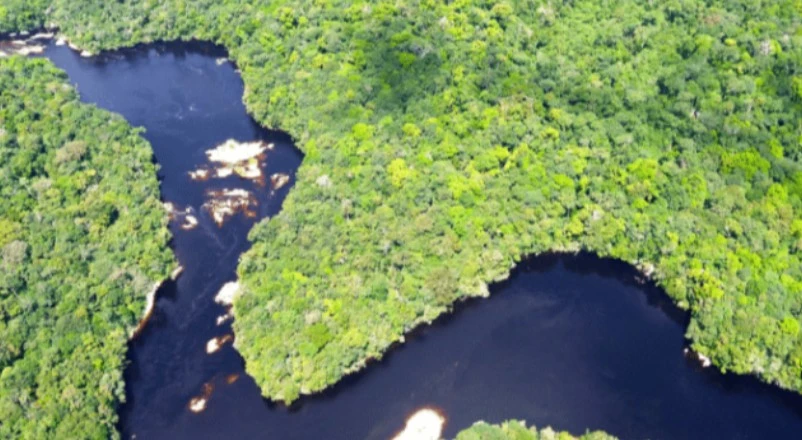 Sharing good news! Colombia signs Amazon extraction ban. 42% of the country now off-limits to new oil and mining 🌳#goodnews
16 17 1 Replant
See a tree post that moves you? Tap Replant to plant your own trees in support of it.
#goodnewsHow it works
A Like disappears in a scroll. A replanted tree keeps growing.
When a tree post speaks to you, tap Replant instead of just liking it.
You plant the same species as the original tree by default. You can choose another one.
The trees you replant are yours. The author gets the credit on their Content Creator counter.
Try it
Try it on this post. Nothing is planted, it’s a demo.
 Sara Paoluzzi planted 1 Tree and inspired 5 othersDemo
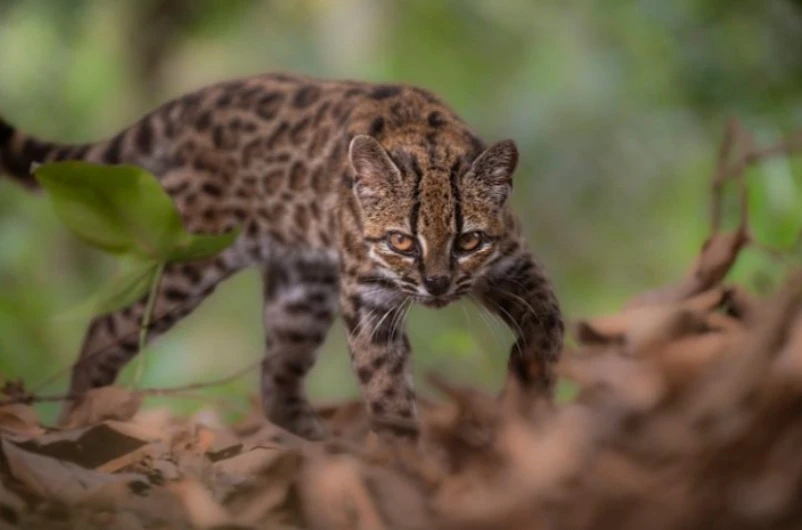 #EndangeredSpecies28 September
Ideas
Any tree post you want to stand behind.
A conservation win, a new law, a discovery that gives hope.
Your team’s title, a friend’s marathon, a company milestone.
Inclusion, animal welfare, education: stand behind it with trees.
A birthday or wedding tree from a friend you want to celebrate too.
Where to find it
The Replant button sits at the bottom of every tree post in the Tree Feed, next to Like and Comment.
A way to support a tree post by planting new trees of your own, from the Replant button on the post.
Good news, big wins, causes that matter. They’re all in the Tree Feed.


